GTA 6 activity
RydeMe
GTA 6's ride-share app: set a destination, book a Basic or Standard Ryde, then ride along or skip the journey. It works as a second fast travel next to Paradise Taxi.
RydeMe is GTA 6's ride-share app, the game's answer to Uber. Together with Paradise Taxi it's how you fast travel: there is no teleport from the map.
How to book a Ryde
- Official Set a destination on the pause map; the map lets you book a Ryde straight to it (seen in our PS5 gameplay).
- Official In the app, pick a ride type (we saw Basic and Standard Ryde) and press Book Ryde (seen in our PS5 gameplay).
- Official The app says "Your driver is on the way". When the car pulls up, press to get in (seen in our PS5 gameplay).
- Official At the end you get "Trip complete" and walk to your objective (seen in our PS5 gameplay).
During the ride
Official The ride shows four prompts: Skip Journey, Talk, Hurry Up and Driver (seen in our PS5 gameplay). Skip Journey cuts to the drop-off. Our read from the names: Talk chats with the driver and Hurry Up asks them to drive faster. Rockstar told Game Informer you can chat with passengers on a shared ride.
Cost and unlock
- Reported GTABase says RydeMe charges a fare that rises with distance, paid from your bank account, plus the same $100 to skip as the taxi.
- Reported GTABase ties the unlock to the story giving you a bank account; PowerPyx says Chapter 2. Official The RydeMe icon was on our phone's home screen from early on, but we first booked rides in Chapter 2 (seen in our PS5 gameplay).
Tips
- Use the pause map's book option: it saves typing the destination into the app.
- Ride along instead of skipping when you're not in a hurry: it's free of the skip fee and you see more of Leonida.
Sources
- GameSight PS5 gameplay (RydeMe bookings and rides), November 22-25, 2026
- GTABase: How to Fast Travel in GTA 6 (November 19, 2026)
- PowerPyx: GTA 6 How to Fast Travel (November 18, 2026)
Related pages
All activities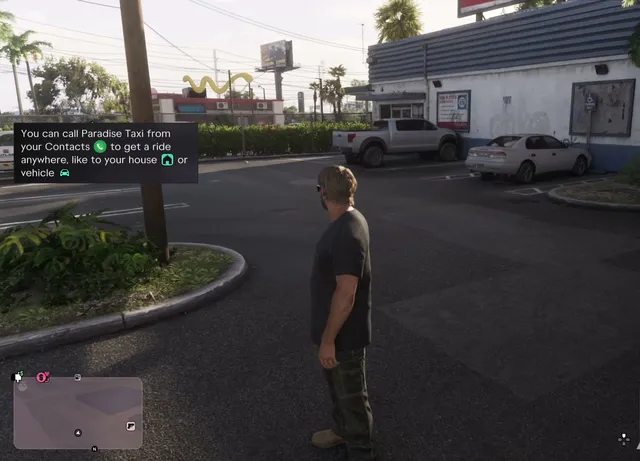
Activity · Transport
Paradise Taxi
GTA 6's first fast travel: call Paradise Taxi from your phone contacts for a ride anywhere, and pay about $100 extra to skip the drive.
Item · Money
BuckMe Account
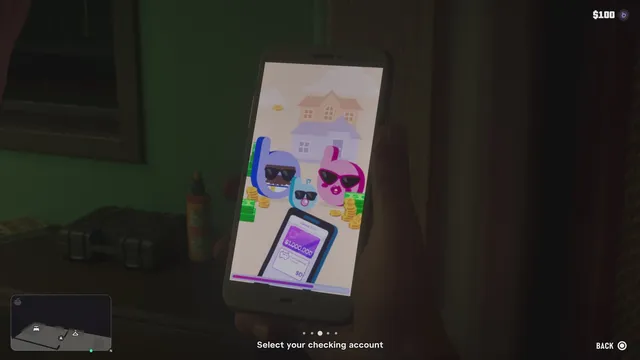
BuckMe is GTA 6's bank: open it for $100 in the Chapter 1 mission Buck Me, then use it for anything costing $1,000 or more, car sales and money transfers.
Location · Vice City
Vice City
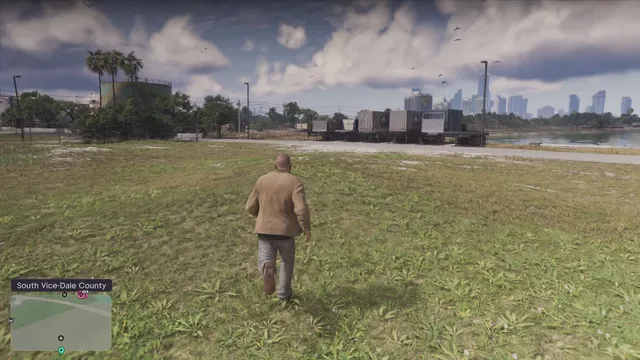
Leonida's only big city, Rockstar's take on Miami: Ocean Beach, Little Cuba, Vice Beach and the VC Port, and Jason and Lucia's base from Chapter 3 on.
Map · Vice City
Vice City Map
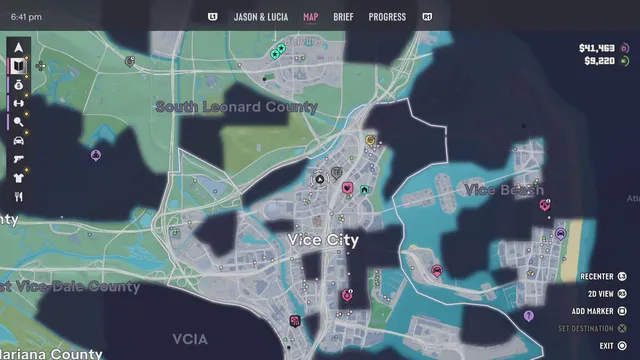
Pause map of Vice City with the downtown, Vice Beach, the VCIA airport, Belville and the counties around the city marked from the in-game map.
Guides that mention RydeMe
Guides
GTA 6 Fast Travel: Taxi, RydeMe and Every Way to Get Around
There's no map menu that teleports you in GTA 6. You call a cab, pay to skip the ride or get there yourself. Here's every way to cross Leonida fast, what it costs and when you get it.
Guides
GTA 6 Phone Apps: Every In-Game App Confirmed So Far
Jason and Lucia's phones do real work in GTA 6. They scan cars before you steal them, call a ride across Vice City, keep tabs on Snapmatic and hold your money. Here's every app Rockstar and the previews have named, what each one does and what's still unknown.

Map & Leonida
GTA 6 Map Size Compared: vs GTA 5, RDR2 and Real Florida
Rockstar never gave a number, only comparisons. Now that GTA 6 is out, outlets have started measuring and timing Leonida. Here's every figure, who said it, and what it means next to GTA 5, Red Dead Redemption 2 and the real Florida.