GTA 6 item
BuckMe Account
BuckMe is GTA 6's bank: open it for $100 in the Chapter 1 mission Buck Me, then use it for anything costing $1,000 or more, car sales and money transfers.
BuckMe is the bank account and phone app in GTA 6. It is the purple balance on your HUD, next to green pocket cash.
How to open it
Official The account opens in the Chapter 1 mission Buck Me at the Fleeca bank, and it costs $100 (seen in our PS5 gameplay). Official You start the game with under $1,000, and early odd jobs like mailbox work paid $220 (seen in our PS5 gameplay).
The $1,000 rule
- Official Cash covers anything under $1,000. Items of $1,000 or more, and bundles, need a bank account: the shop says "Requires a bank account" (seen in our PS5 gameplay).
- Official The shop pays from BuckMe, not your pocket. A $1,050 suppressor showed "Not enough BuckMe funds" even with $2,800 in cash (seen in our PS5 gameplay).
Money in and out
| Action | What we saw |
|---|---|
| ATM deposit | Up to $15,000 Official |
| ATM withdrawal | Up to $20,000 Official |
| Car sale to Moses or Randy | Paid into BuckMe Official |
| Kenton's doubloons | "Kenton Bucked You $200" Official |
All seen in our PS5 gameplay. Because BuckMe has no $20,000 cap like pocket cash, a $14,500 car sale arrived in full.
Family Savings
Official The app has a Family Savings pot with a $5,000 goal. Money goes in with "Buck Yourself", and Lucia warns that once it's in, you can't touch it (seen in our PS5 gameplay). Only move money there that you won't need for gear.
Tips
- Open the account as soon as the mission allows: weapon upgrades and big gear are blocked without it.
- Deposit pocket cash before risky jobs; the bank balance isn't what you lose when busted.
Sources
- GameSight PS5 gameplay (Buck Me mission, ATM, BuckMe app, purchases), November 18-24, 2026
Related pages
All money & items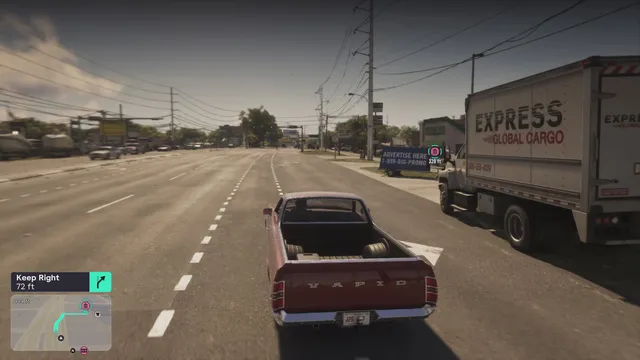
Mission · Chapter 1
Buck Me
Jason and Lucia try to open a bank account at the Fleeca in Key Lento, are turned down for bad credit and end up with BuckMe accounts and a Family Savings goal.
Item · Money
Cash
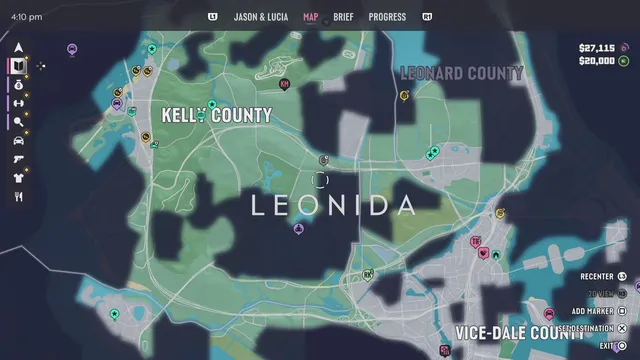
Pocket cash is the green number on your HUD: it pays for anything under $1,000, tops out at $20,000, and is the money you can lose when you get wasted or busted.
Item · Money
Cash Stash
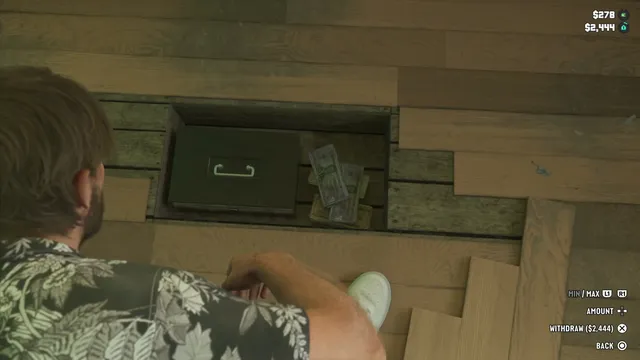
A hiding spot under the floorboards at home where you deposit or withdraw pocket cash, plus a smaller stash in your car trunk: money in a stash isn't carried when things go wrong.
Activity · Crime
Stealing and Selling Cars
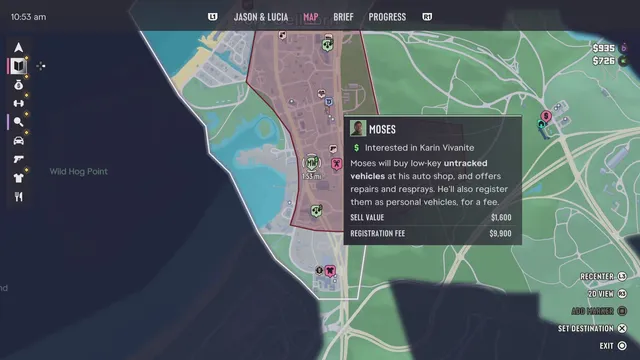
Scan a parked car with WAiNK, take it, and sell it to Moses or register it as yours: ordinary cars paid $600-$1,600 in our game, standout cars up to $6,950.
Activity · Hobby
Treasure Diving
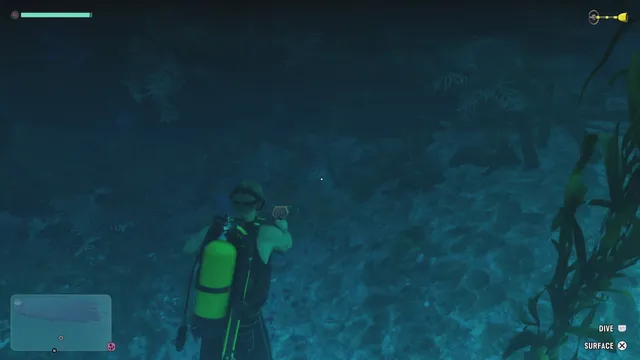
Dive the shipwrecks Kenton texts you with scuba gear and a metal detector: each Gold Doubloon sells for $200 at Island Dreams in Key Lento, paid into your bank.
Activity · Event
Hurricane
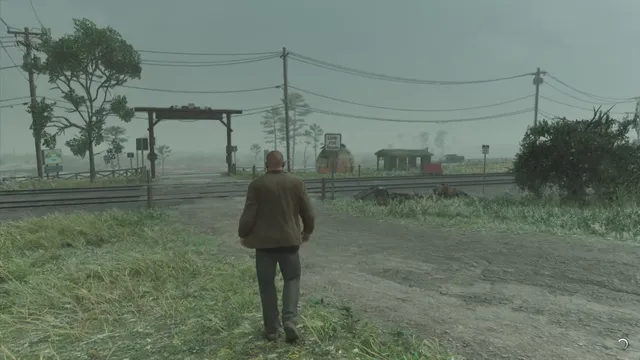
GTA 6's hurricane arrives at the end of Freddie's side quest at his bunker on Lake Leonida: choose to leave when the TV warns of the storm and you drive out into it in a Dubsta worth $14,500.
Activity · Transport
RydeMe
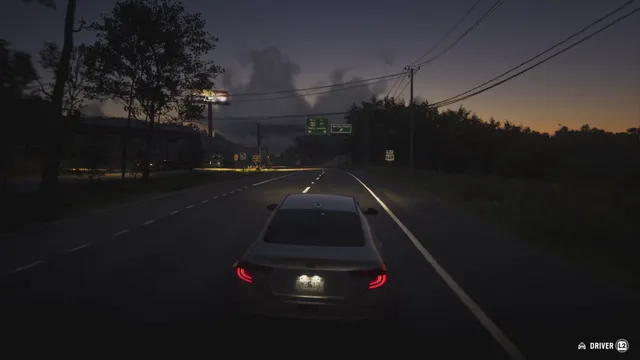
GTA 6's ride-share app: set a destination, book a Basic or Standard Ryde, then ride along or skip the journey. It works as a second fast travel next to Paradise Taxi.
Item · Gear
Explosives Pack
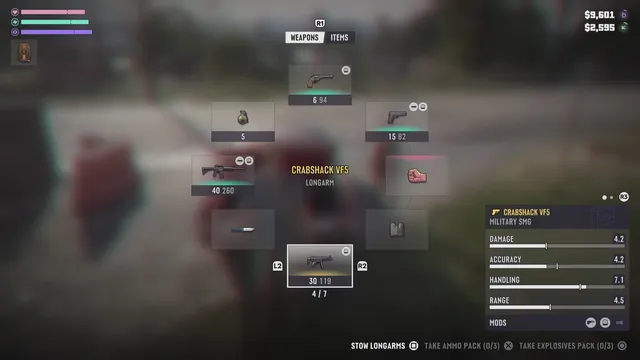
The explosives version of the Ammo Pack: bought at Ammu-Nation and kept in your trunk loadout, up to three, to restock throwables like grenades.
Item · Loot
Gold Doubloon
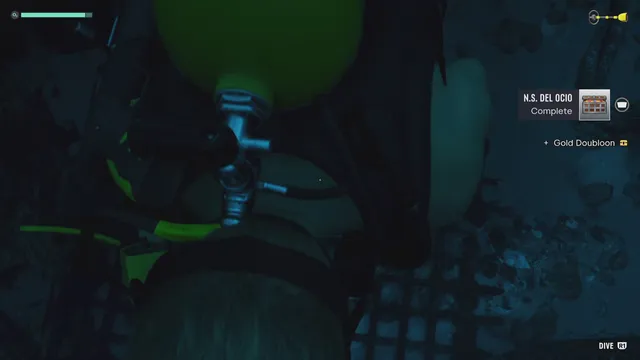
Old gold coins found with a metal detector at the shipwrecks Kenton marks for you: each one sells to him at Island Dreams in Key Lento for $200, paid into BuckMe.
Shop · Fence (stolen goods drop-off)
Dunk's Trailer
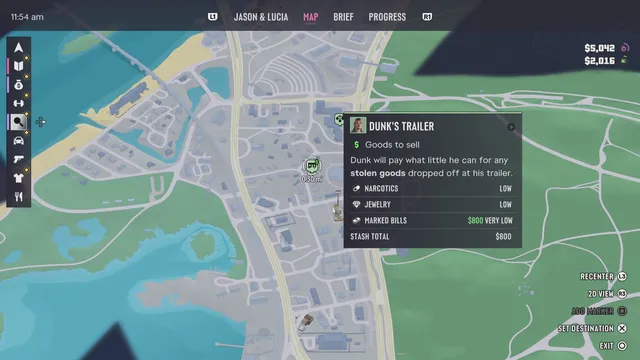
Dunk's drop-off in Port Gellhorn: the Chapter 2 fence who buys the narcotics, jewelry and marked bills from your stash bags and pays through BuckMe.
Guides that mention BuckMe Account
 Video + notes
Guides
GTA 6 Money Explained: Every Change From GTA 5
GTA 5 let you get rich on the stock market and then gave you little to spend it on. GTA 6 makes money a problem again: the story waits for cash, the money in your pocket can vanish and loot has to be sold. Here are all 12 changes, each with its source.
Guides
GTA 6 Phone Apps: Every In-Game App Confirmed So Far
Jason and Lucia's phones do real work in GTA 6. They scan cars before you steal them, call a ride across Vice City, keep tabs on Snapmatic and hold your money. Here's every app Rockstar and the previews have named, what each one does and what's still unknown.
 Video + notes
Guides
GTA 6 Chapter 1 Guide: Everything to Do Before Chapter 2
Your phone runs your life, your body has levels you can lose and crossing the map costs money. This is the complete early-game guide to Chapter 1, system by system, with a checklist and one warning before you spend. No story spoilers.