GTA 6 activity
Watching TV
Sit on the couch and turn on the TV: flip channels between Weazel News, sketches and ads, set the volume, or play games on the console in the house.
On this page
Watching TV is one of the small things you can do at home in GTA 6. Sit on the couch and the TV is a full menu, not a background prop.
How to use the TV
Official Sit on the couch and the TV menu offers Watch, Volume, Channels, Turn Off and Back; the current channel shows in the corner, for example "TV (News)" or "TV (Weazel)" (seen in our PS5 gameplay). You can watch alone or with your partner beside you.
What's on
- Official Weazel News, with on-screen headlines; one of our reports was "Mister Mangrove Video Proof" from the swamps (seen in our PS5 gameplay).
- Official Comedy sketches, such as a sketch set in a taxi, followed by ad breaks with an "Ad Break" bumper (seen in our PS5 gameplay).
- Official Parody ads, like Big Ball Burger and Esperanza Insurance (seen in our PS5 gameplay).
Video games
Official Games consoles work too. In our play, one at a friend's place booted a black-and-white lighthouse adventure, a crate puzzle game and Dezombifier, a top-down zombie shooter whose title screen says to kill zombies to get XP and upgrade your character (seen in our PS5 gameplay). They're short games within the game, good for a laugh.
Tips
- We saw no stat gain from watching TV. For focus, go fishing or pet the animals instead.
- The TV menu has Turn Off, so switch it off before you sleep or leave if the sound bothers you.
Sources
- GameSight PS5 gameplay (living room TV, console games), November 18-21, 2026
Related pages
All activities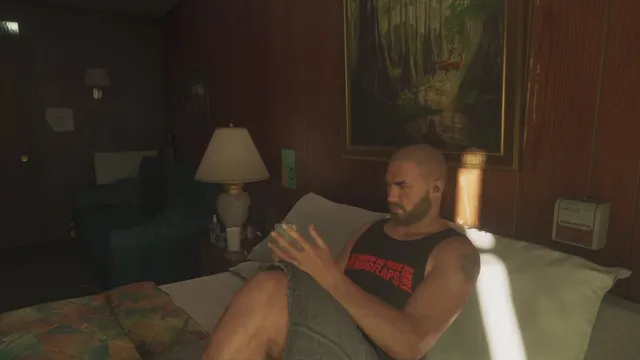
Activity · Rest
Sleeping
Sleep in your safehouse bed to skip to morning, refill health, buff stamina and open the next workout window. Sleep is also when your weight changes.
Activity · Leisure
Pets
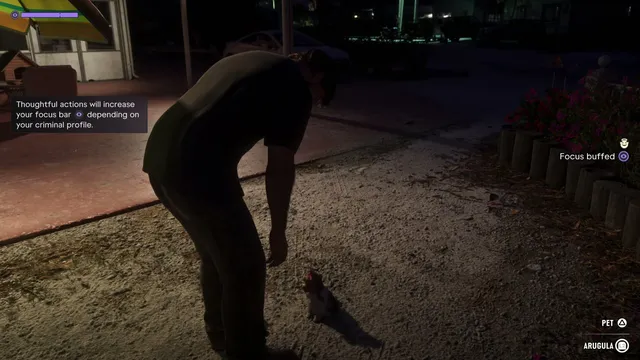
Pet the dog Arugula or feed the corn snake at home: thoughtful acts like these buff your focus bar, by an amount that depends on your criminal profile.
Activity · Hobby
Fishing
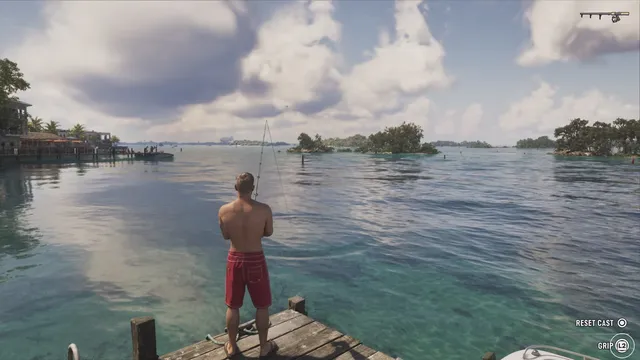
Cast a lure off a jetty, use focus to spot fish and reel them in: only a landed fish counts, and one mackerel gave +10% toward the next focus level.
Guides that mention Watching TV

Guides
What Can You Do in GTA 6? Safehouses, Gyms and Free Roam
Rob Nelson's answer to IGN was simple: you can just exist. Here's everything GTA 6 lets Jason and Lucia do between missions, from lifting weights to eavesdropping on strangers.
 Video + notes
Guides
GTA 6 Parody Brands: Every Fake Brand and What It Mocks
Rockstar is selling a $399.99 box of merch for a cartoon alligator from a TV show that only exists in Leonida. That's the clearest sign yet that GTA satire is back. Here is every parody shown so far, what each one is aimed at, and what's still only a fan theory.
 Video + notes
Guides
GTA 6 Cars List: All 30 Confirmed Vehicles Before Launch
Fans count 300+ vehicles from frame grabs. We count only what Rockstar put its name on or on screen: 30 cars, bikes, boats and aircraft.